
Appearance
Join a project
A coordinator added you to a project with your e-mail address. To get in, sign in to Numensa with that same address. That is all there is to it.
Steps
- Open app.numensa.eu and choose Sign in.
- Pick the way that fits your address:
- Continue with Microsoft, if your organisation uses Outlook or Microsoft 365.
- Continue with Google, if your address is a Google account (Gmail or Google Workspace).
- Create one (under the form), to make an account with your address and a password. You get a code by e-mail to confirm the address.
- Use the address the invitation was sent to. The project is then in your list.
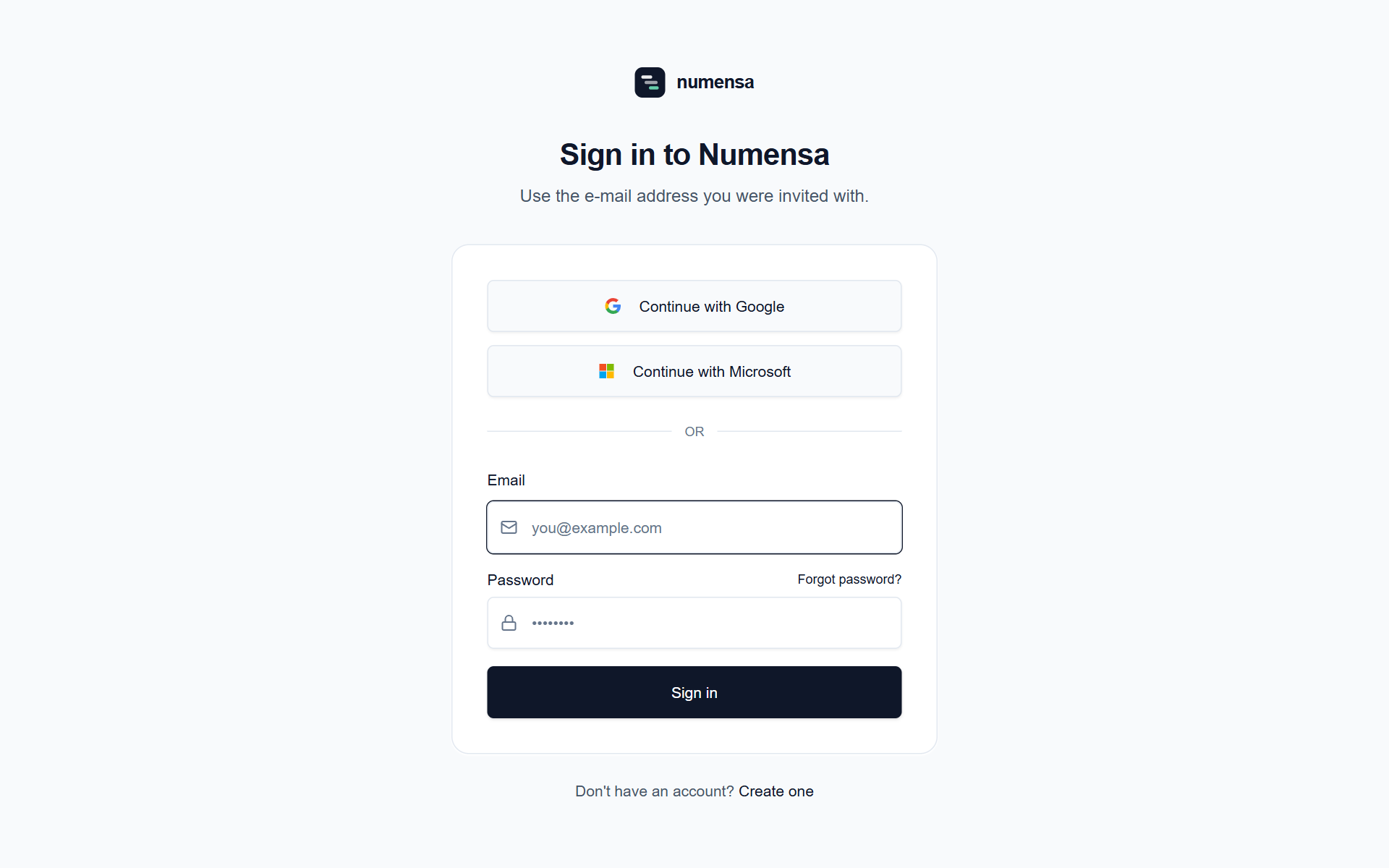 Three ways in. They all lead to the same place, as long as the address is the one you were invited with.
Good to know
- The invitation is not a key. The e-mail only tells you that you were added. If it never arrived, you can still sign in as above and the project will be there.
- The address has to match. If you were invited as
name@organisation.euand sign in with a private Gmail address, Numensa sees a different person and shows no project. Ask your coordinator which address they used. - Already have an account? Just sign in. A new project appears next to the ones you already have.
- Nothing to install. Numensa runs in the browser, on a computer or a phone.